Loading...
Buildings
84Town buildings and decorations, placement, and expansion
Your town is a single street with depth: buildings and decorations sit across 5 layers, from Frontmost through Front, Middle and Back to Backmost. Tap a building to edit its placement and use Change Layer to move it between layers, handy for tucking smaller buildings behind larger ones. Each building takes up a footprint (its tile size, shown on its page); the Watchtower below expands how much room you have.
Placeable functional buildings. Click one for upgrade costs and effects.
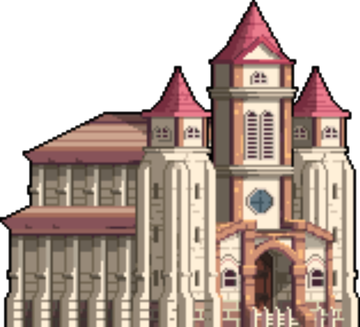


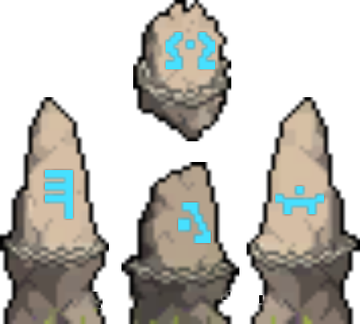
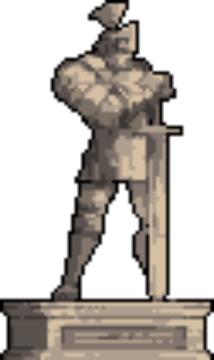
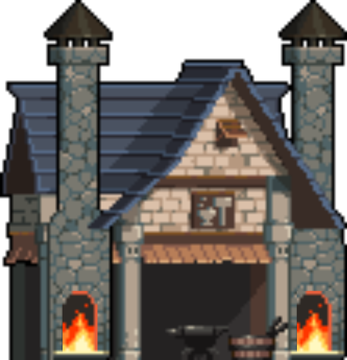
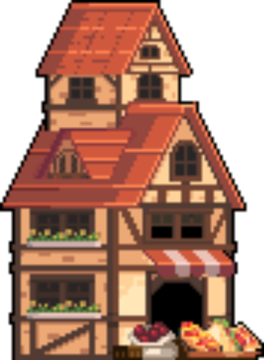
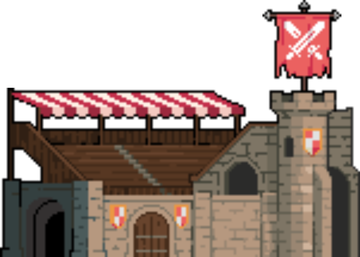

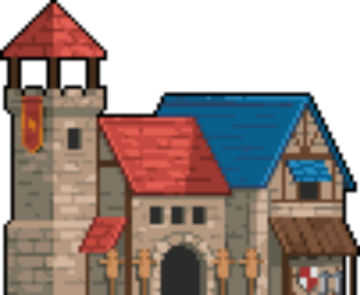

The Watchtower (cannot be built or sold)
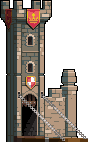
The Watchtower expands your town's buildable territory. It is part of the town and cannot be bought or sold. Tap it to grow your town size, and its reach increases as you level up the Town Hall, giving you more room to place buildings and decorations.
Cosmetic items for your town

Tree

Thicket

Landscape Tree

Wide Landscape Tree

Small Garden

Large Flower Bed
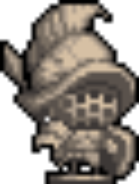
Small Statue
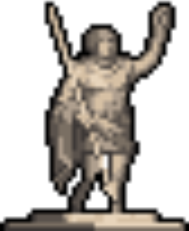
Mid-sized Statue
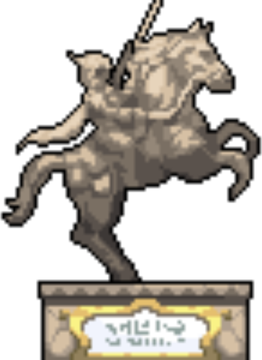
Giant Statue

Street Lamp

Bench

Basket

Stone Altar

Mossy Old Tree Remains

Old Tree Remains

Large Tree

Wooden Fence

White Flower

Red Flower

Sky Blue Flower

Yellow Flower

Pure Boy's Fountain

Goddess's Fountain
Gravestone

Mailbox

Meat Pile

Notice Board

Oak Barrel
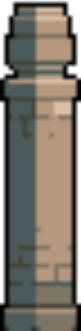
Stone Pillar

Safety Cone

Wooden Signpost
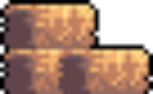
Hay Bale

Open Treasure Chest

Small Rampart

Medium Rampart

Large Rampart

Safety Barrier
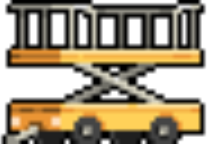
Lift
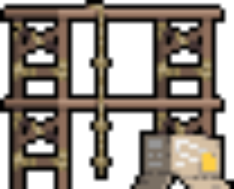
Wooden Scaffold

Warning Sign
Information Sign

Traffic Cone

Hazard Sign

Wooden Bench
Ladder

Flower Basket

Cat

Banana

Camping Pot

Hammock

Stone Bench

Stone Streetlight
Flower Gravestone
Reaper Statue
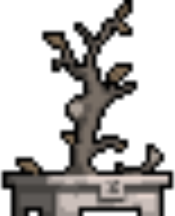
Dead Tree
Dead Grass
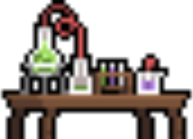
Lab Table

Lab Materials

Poison Mushroom

Excalibur
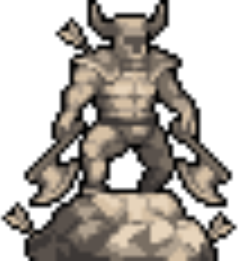
Warrior Statue
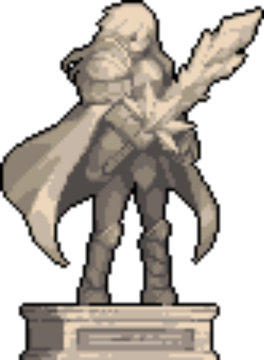
Statue of Oren the Radiant Warrior
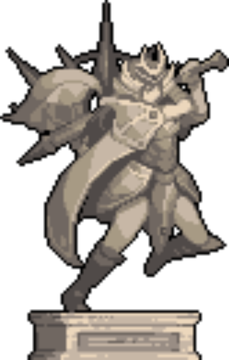
Statue of Kuhilim the Knight of Oath

Statue of Sigrun the Magic Archer

Statue of Dalton the Undaunted Gunslinger

Statue of Rosanna the Black Witch
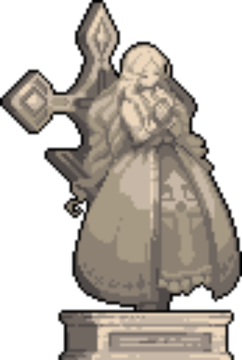
Statue of Marin the Saintess of Salvation

Chocolat Statue

Chocolat Silver Statue

Chocolat Commemorative Silver Statue

Chocolat Gold Statue

Chocolat Commemorative Gold Statue

Glorious Chocolat Gold Statue